Getting started
Can I try it before I pay?
Yes. It’s free to download and some spots are free to unlock, so you can see exactly what you get first. The rest need a membership: Monthly, Yearly or Lifetime.
Is it on iPhone and Android?
Yes. Sole Drift is on the App Store and Google Play.
Which countries are included?
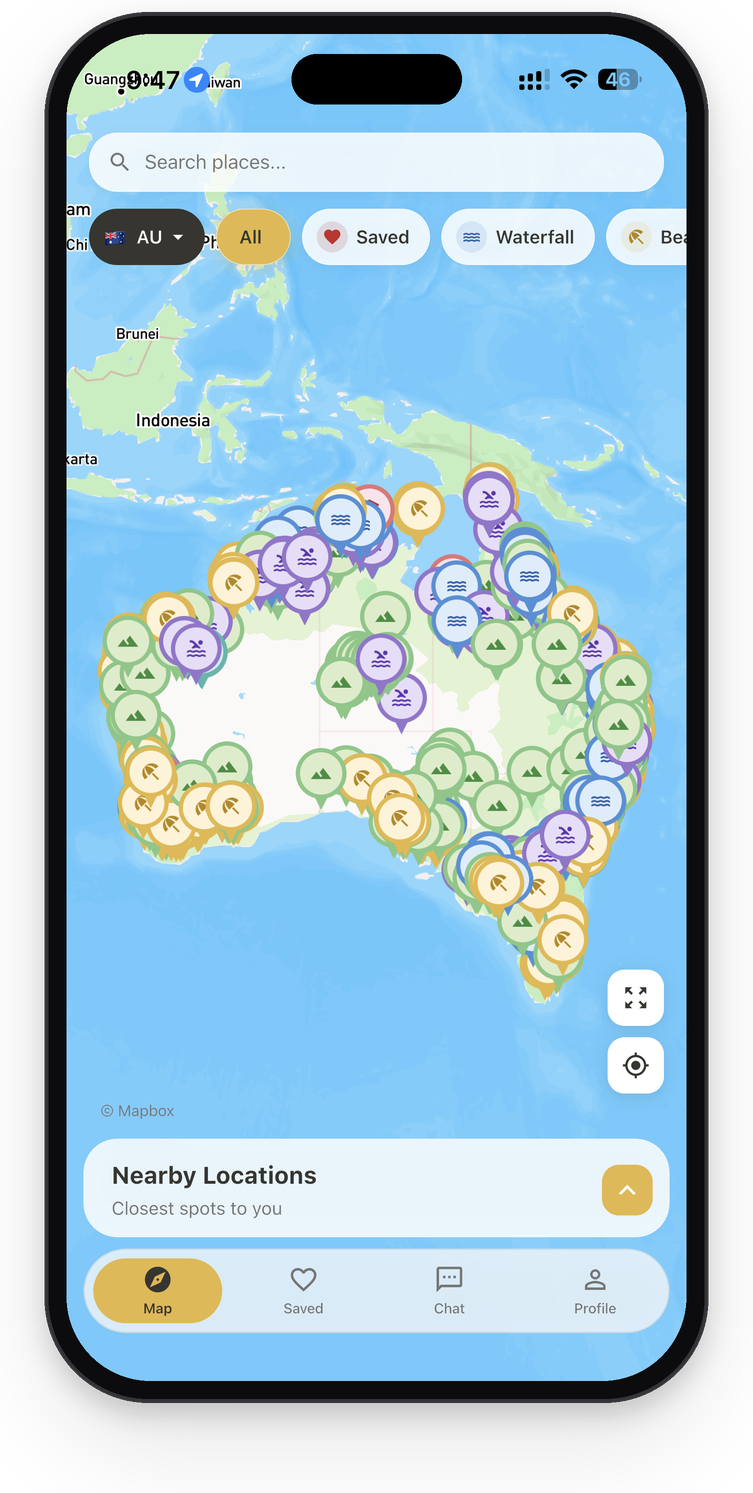
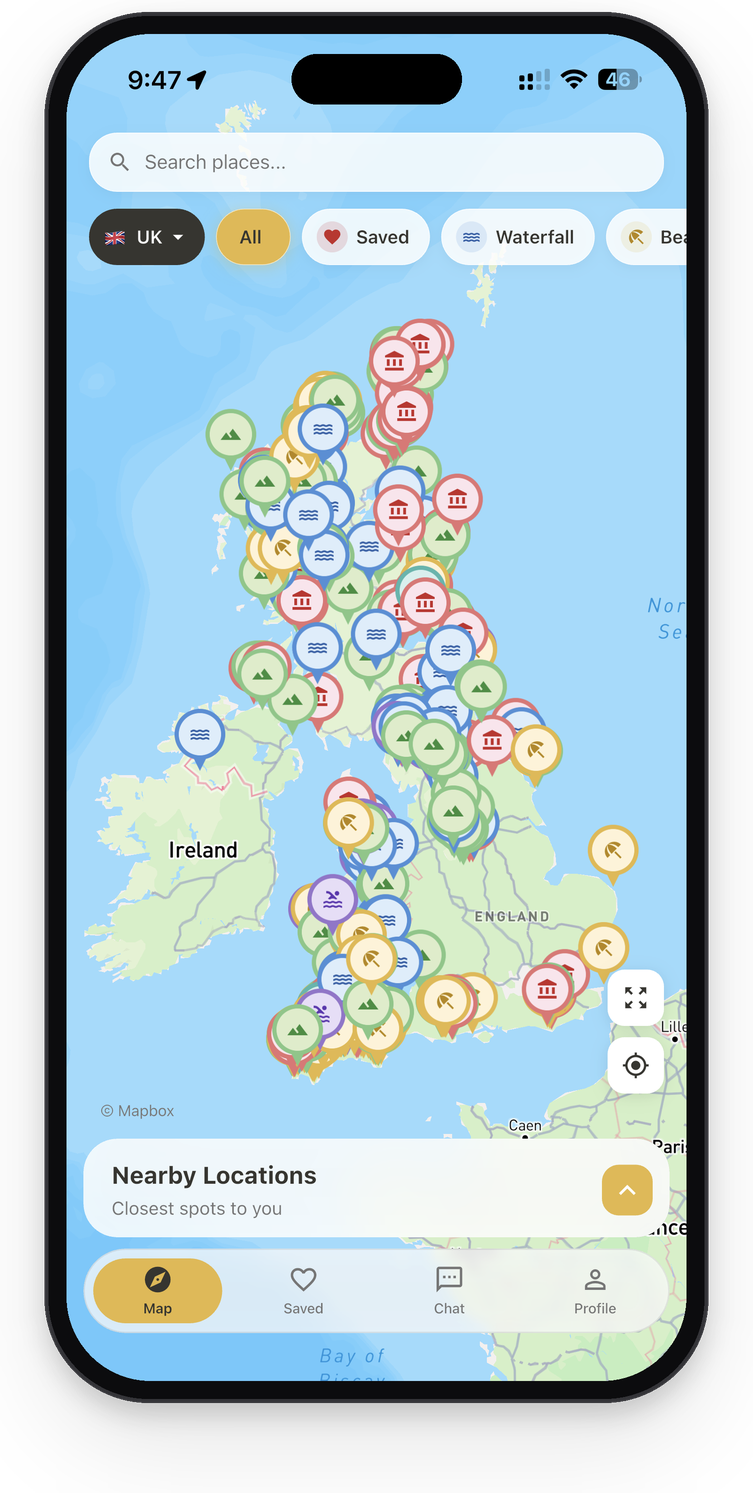
Australia (1,100+ spots) and the UK (500+). New Zealand is coming soon, and we add new spots regularly.
Does it work without phone signal?
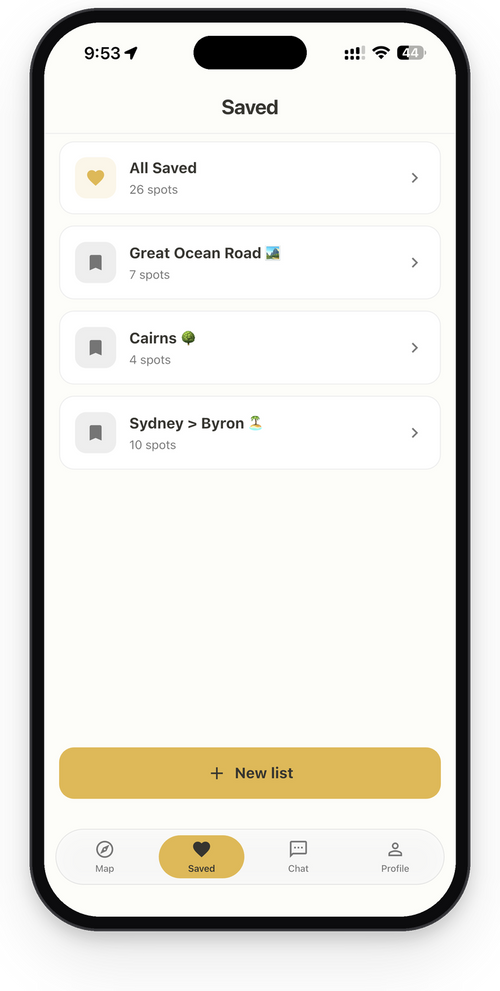
Not yet. The app needs a connection for now, and offline mode is coming in a future update. Before you head off, tap Open in Maps on the spots you’re visiting, save them in Google Maps and download the area for offline use.
Plans
What’s the difference between Monthly, Yearly and Lifetime?
Monthly and Yearly unlock every map, including new ones as they launch, and you can cancel anytime. Lifetime is a one-off payment that unlocks one country for good, with all future updates for that map.
Will I get new maps, like New Zealand?
On Monthly or Yearly, yes: every current and future map is included, and New Zealand is coming soon. Lifetime covers one country, and you can buy a Lifetime membership for each map you want.
How much does it cost?
Prices show in the app in your local currency, and depend on your country’s app store.
Can I share my account?
Memberships are for one person, but Yearly includes one free friend invite.
How do I cancel or get a refund?
Cancel in your Apple or Google Play account settings, where you subscribed. Deleting the app doesn’t cancel your membership. Refunds for in-app purchases are handled by Apple or Google Play. Joined on the website instead? See How do I cancel my website membership? below.